Ownclock
IN 09:05 · OUT whenever you like

Time tracking and invoices that live on your device.

Ownclock is a timer, a weekly timesheet and an invoice maker for freelancers. No account, no per-user fees, no usage meters. Your hours and invoices stay in a file you own.

Moving from Harvest? Import your CSV export in a minute.
01

One-tap timer

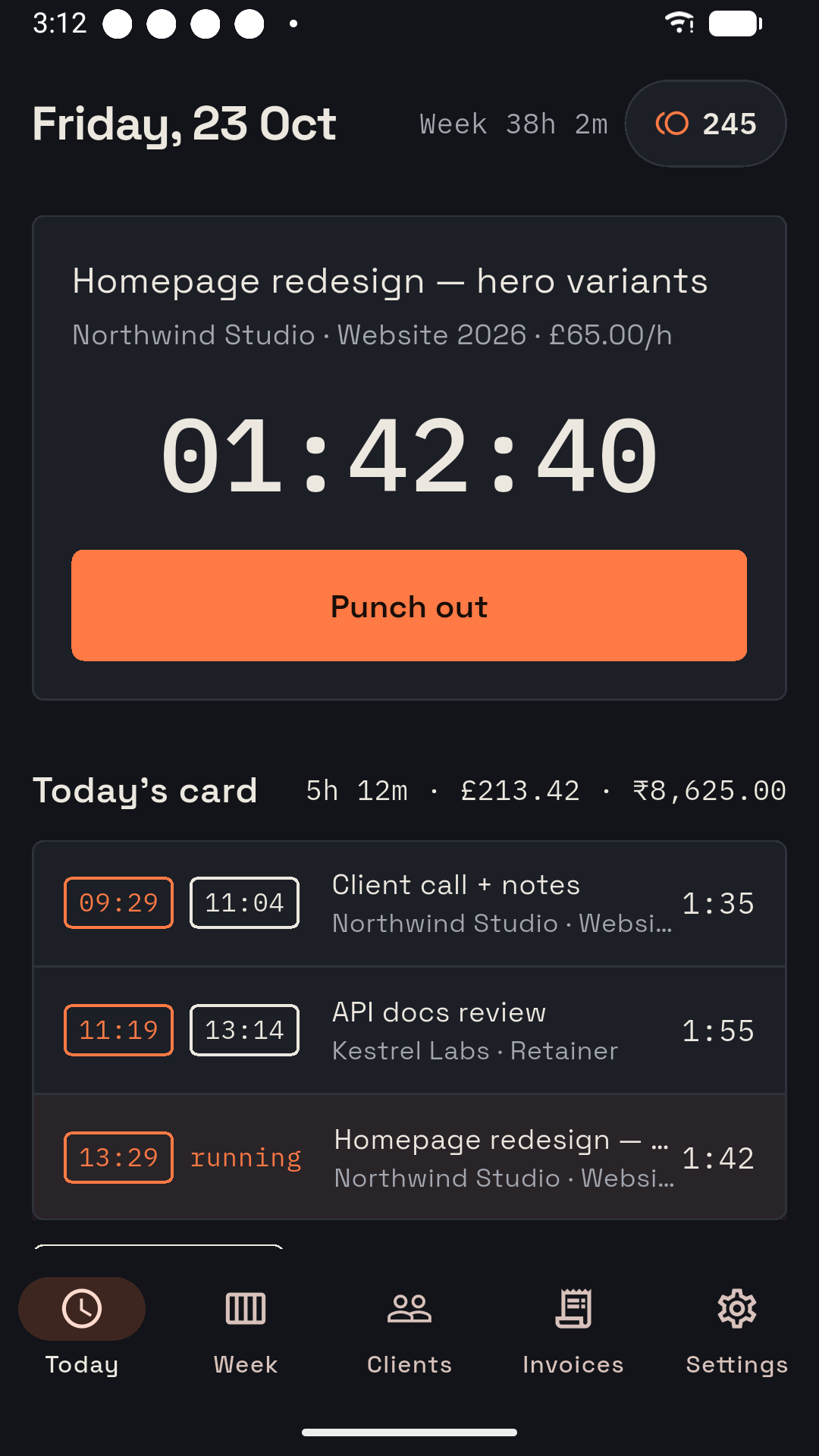
Punch in on a task and punch out when you're done. It keeps running if you close the app, and you never get signed out.

02

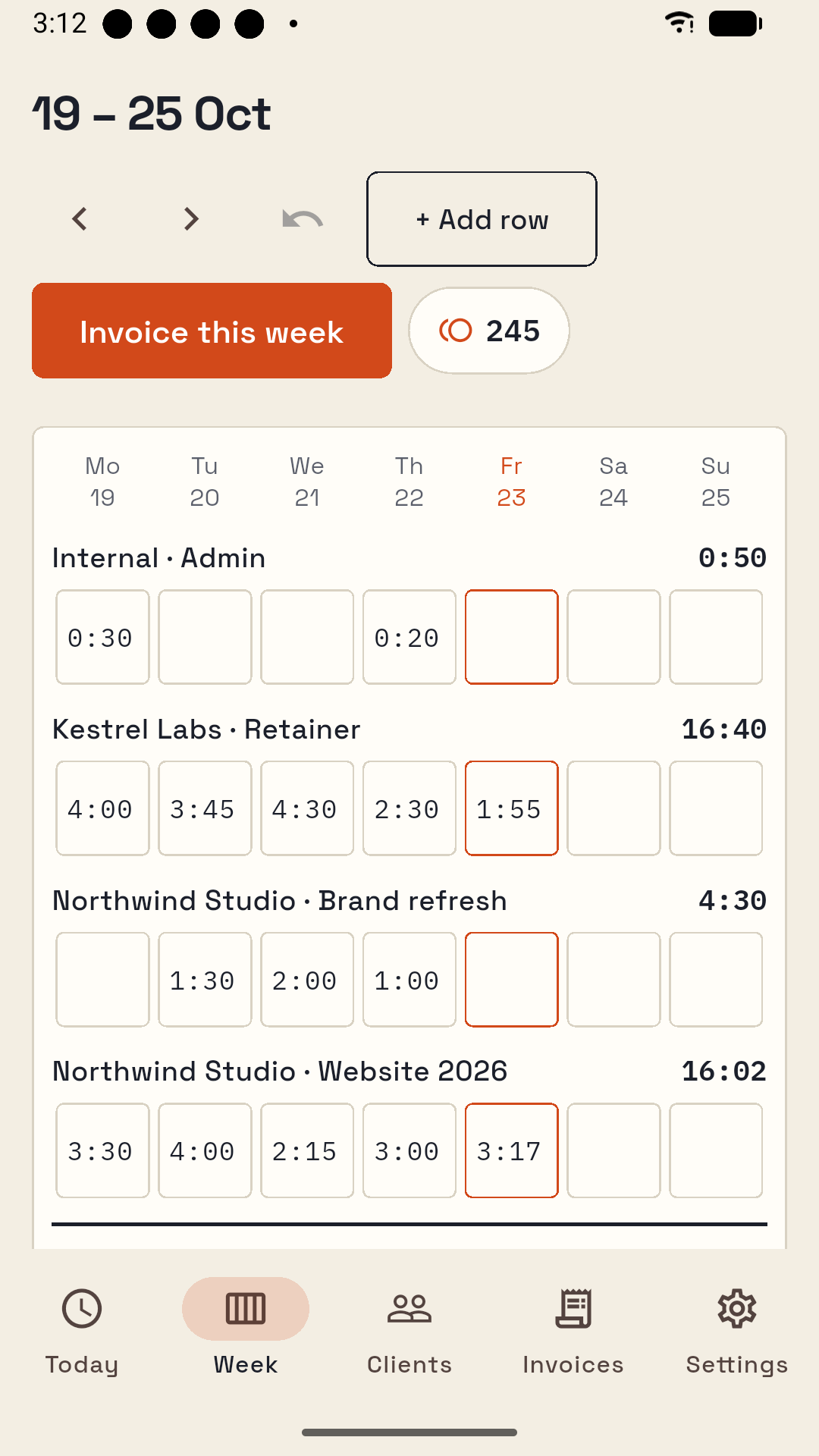
Weekly timesheet

Type hours straight into a grid as 1:30 or 1.5. A rate per project, a currency per client, and undo for every change.

03

Invoices with a pay link

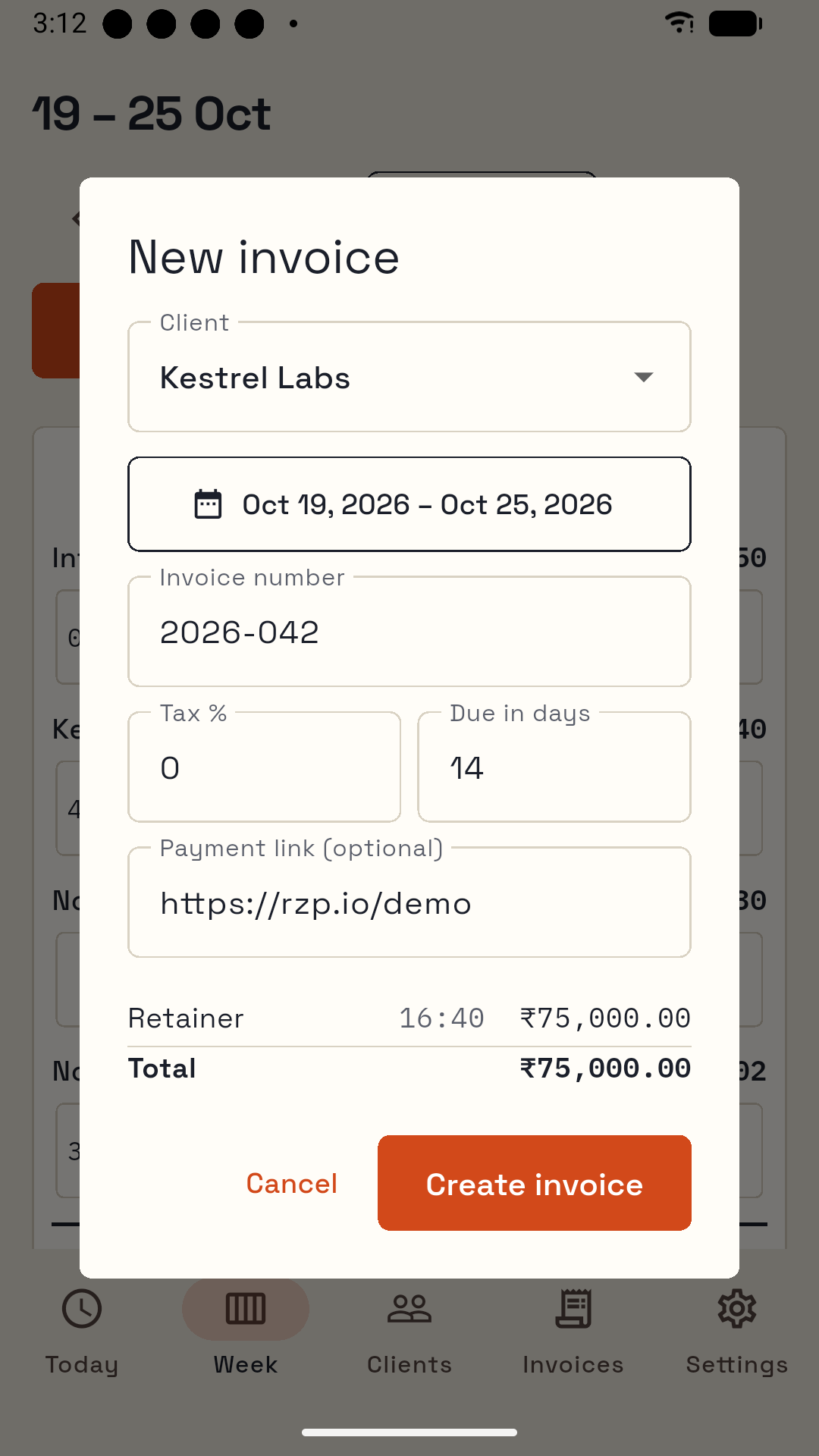
Turn a week or a month into an A4 PDF. Add your Stripe or Razorpay payment link and clients pay by card.

04

Harvest import

Bring clients, projects, rates and years of time entries from a Harvest "Detailed time" CSV.

Weekly timesheet with hours per project and day
The week at a glance
New invoice dialog with client, date range, tax and total
Invoice in the client's currency
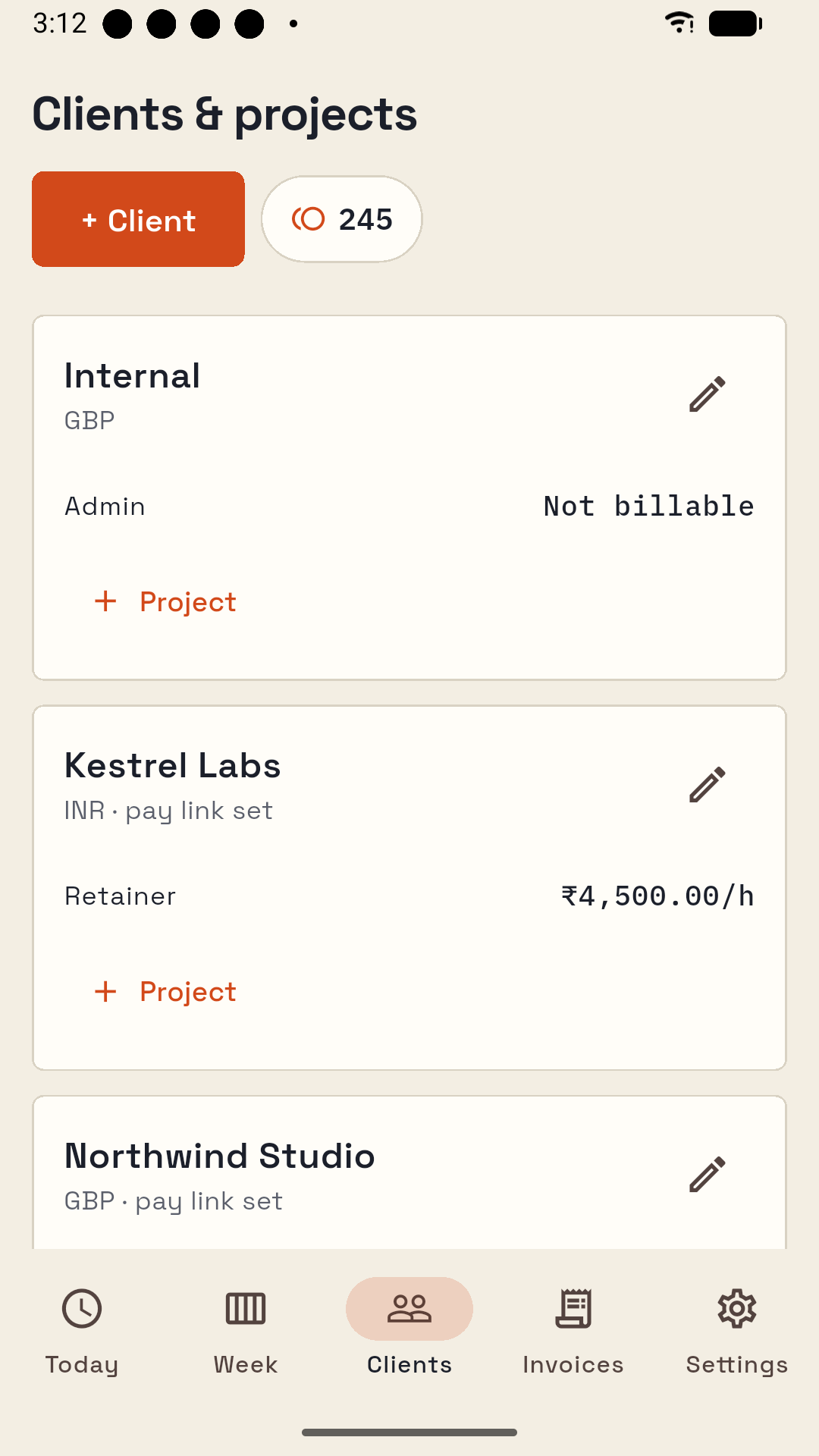
Clients and projects with hourly rates
Rates per project
Today screen in dark mode
Light and dark

Pick your device

Android

Free
  • Everything: timer, timesheet, invoices, Harvest import
  • Supported by ads between tasks, never while you work
  • Earn coins to add clients or take an ad-free week
Get it on Google Play

Windows

$49 once
  • Free for 2 clients; the licence unlocks unlimited clients and clean invoices
  • One licence covers all your devices, Android included (no ads)
  • No subscription. Taxes handled at checkout by Lemon Squeezy
Buy a licence — $49 Windows download — coming soon

The price doesn't grow with your team

OwnclockHarvest (2026)
Price$49 once, or free on Androidfrom $9 per seat / month
Usage feesNonePer project, client, task and invoice on Flex billing
Where your data livesYour deviceHarvest's servers

Harvest pricing as reported in 2026 by Silicon UK and Subscription Insider. Harvest is a trademark of its owner; Ownclock is not affiliated with it.

Questions

Do I need an account?

No. Ownclock has no sign-in. Your data is a file on your device.

What if I lose my phone or computer?

Ownclock writes a backup every day and before every update. Copy it to a folder you already back up, or use Settings › Back up now, and restore it on the new device.

Does it sync between phone and PC?

Not in version 1. Each device keeps its own data; move it with backup and restore.

How do clients pay me?

Create a Payment Link in Stripe or Razorpay and add it to a client. Their invoices get a Pay button. The money goes straight to your account; Ownclock never handles it.

How does the Windows licence work?

Pay once at the Lemon Squeezy checkout, get a key by email, and paste it into Settings. Activation needs the internet once; after that Ownclock works offline. The same key works on up to 5 of your devices.